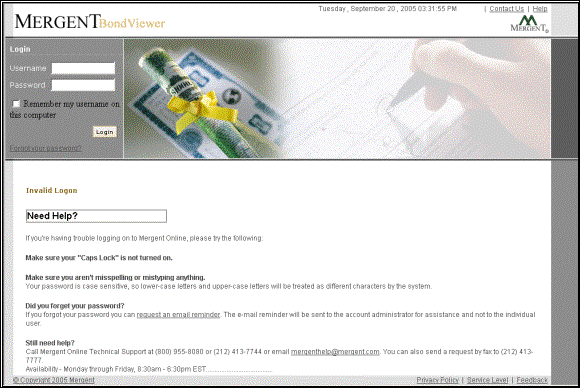
The invalid login page will be displayed if the username and password combination provided by you does not match. You will be able to attempt logging in again. Read the instructions that are displayed on the invalid login page. If you are still not successful then you may select the “Forgot Your Password? ” link. Your password will be emailed to the Account Admin when you select the link. You can also call the Mergent helpline numbers displayed on the invalid login page, if you need any further help.
You will not see this page if you have IP based access to the application.
Note: When the password does not match, check the status of the Caps lock key on the keyboard because the password is case sensitive.